FAQ
Questions worth answering
Is Globlin stable?
It is in beta on every platform. The Windows builds are in daily use; the installer, the ARM64 builds and the macOS and Linux builds are new. Please report anything that misbehaves.
Is Globlin free?
Yes. Globlin is free and open source under the GNU General Public License v3.0. There is no paid tier, no account, and no telemetry.
Does it work on macOS or Linux?
Both, in beta. macOS yes, in beta: every release includes an Apple Silicon build of Globlin.app that lives in the menu bar. It is signed ad hoc rather than notarised, so the first launch has to be allowed under System Settings → Privacy & Security → Open Anyway. Linux gets a deb for Debian and Ubuntu, an rpm for Fedora and openSUSE and an AppImage that updates itself, for x64 and ARM64; GNOME needs the AppIndicator extension to show the tray icon.
Do I need Node.js installed?
Globlin itself has no runtime dependencies, but it drives the package managers already on your machine — npm, pnpm, cargo, pipx, Homebrew, winget and the rest. If none is installed there is nothing for it to check. On Windows the window is drawn by WebView2, which ships with Windows 11 and with any up-to-date Windows 10; on macOS by the system's WebKit; on Linux by WebKitGTK, which the package installs.
Will it update anything without asking?
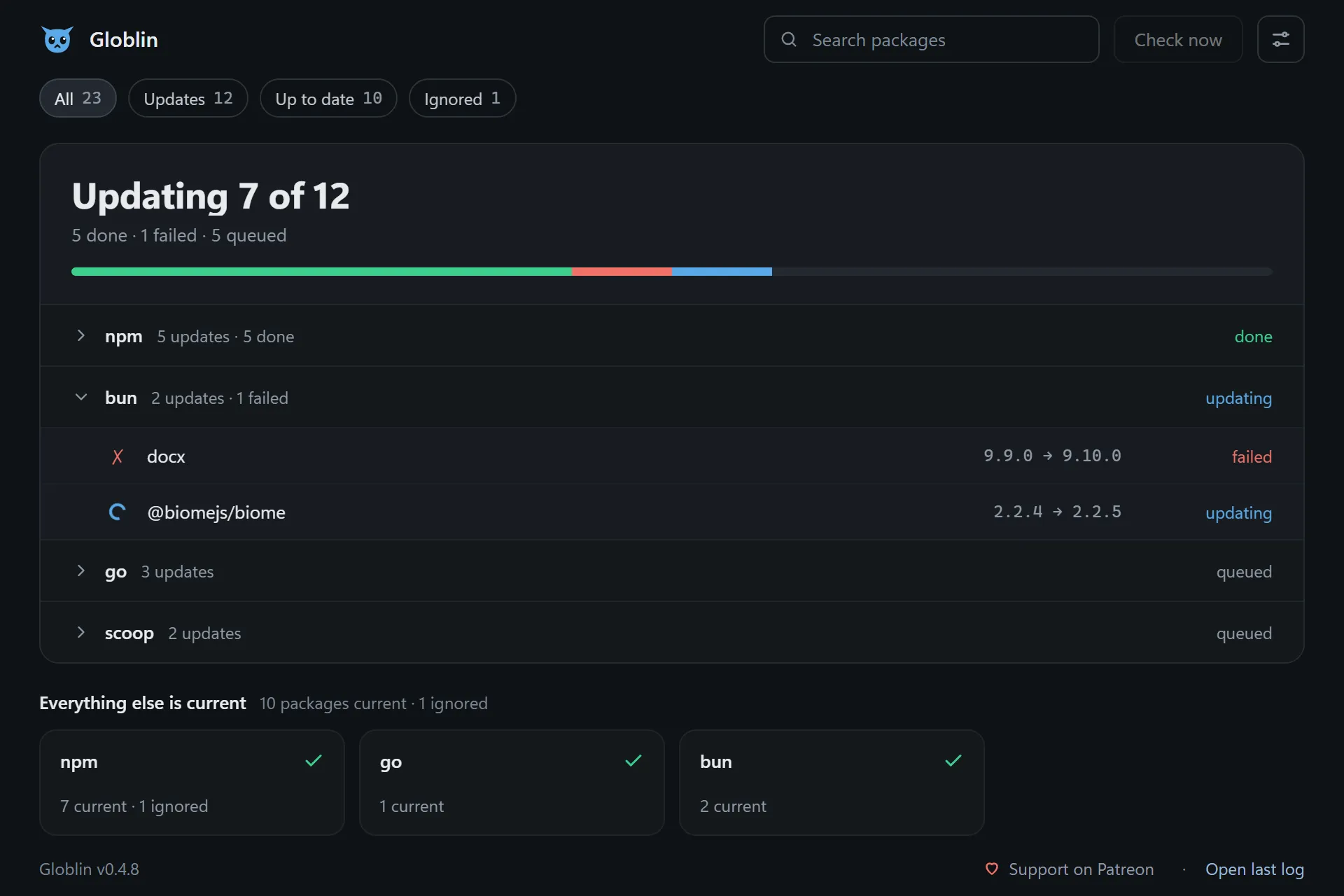
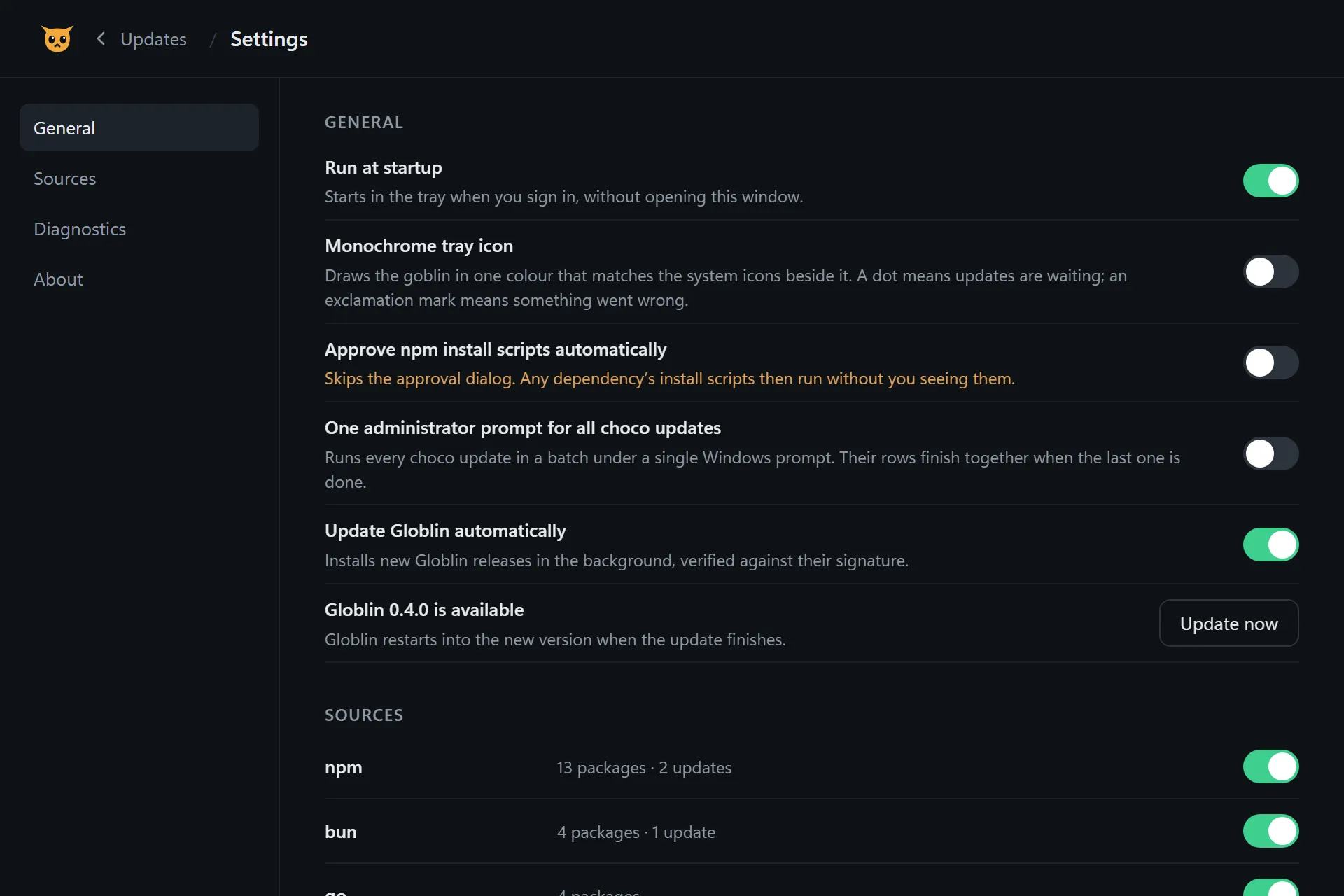
No. Packages are only ever updated when you click. Globlin can update itself unattended, but that setting is off by default and applies to Globlin alone.
How is this different from npm-check-updates?
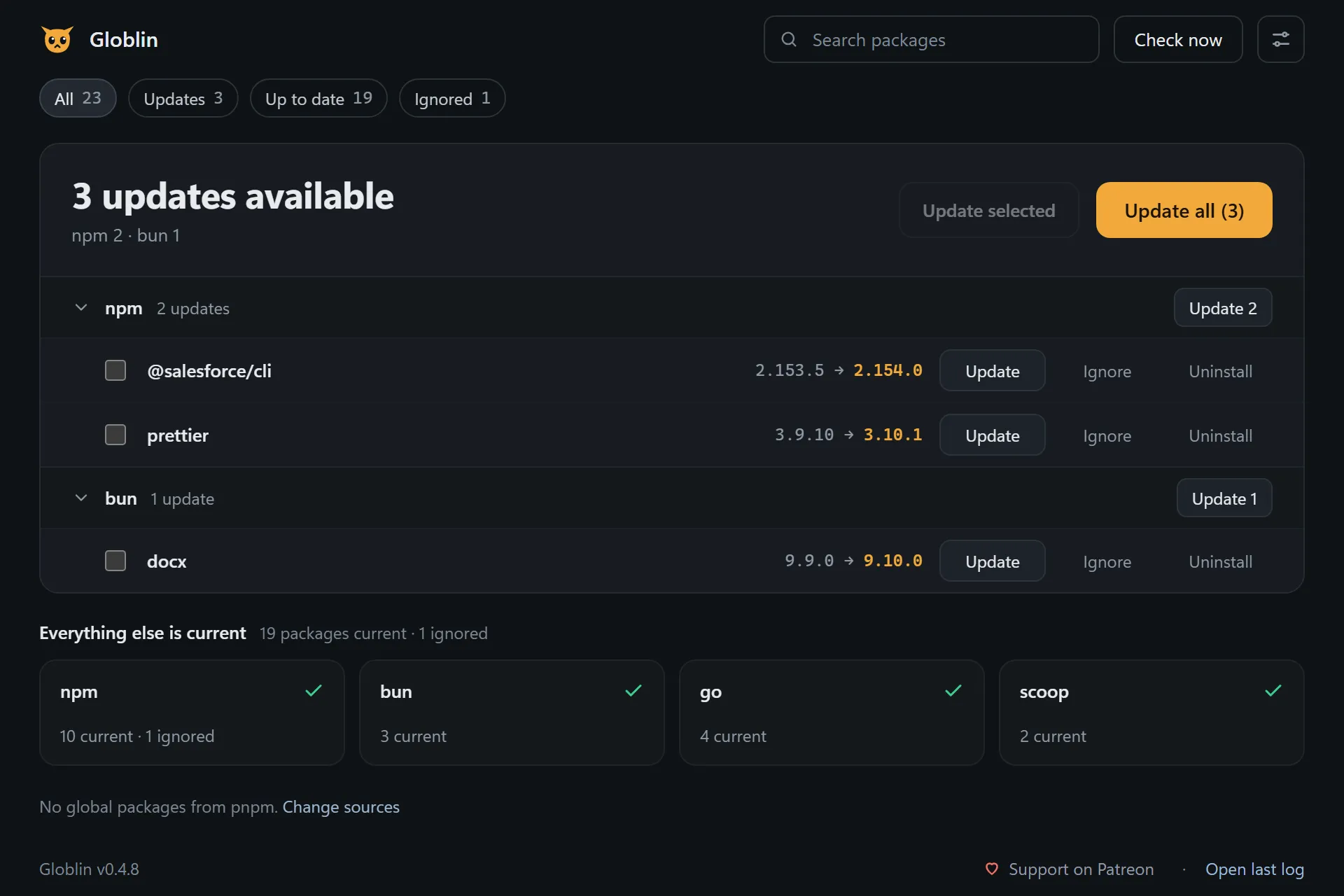
npm-check-updates is a command you run by hand against a project's package.json. Globlin is a background tray app for the tools you installed globally — across fifteen package managers, not just npm — and it tells you they are outdated without you remembering to ask.
How often does it check?
Every six hours by default, and immediately whenever you pick Check now. The interval is configurable in globlin.json.
How do I remove it?
If you used the installer, uninstall Globlin from Settings → Apps. For the portable exe, quit from the tray menu, delete the .exe and its .json, then delete the globlin folder in %LOCALAPPDATA%. On macOS, quit, move Globlin.app to the Trash, and delete ~/Library/Application Support/globlin and ~/Library/LaunchAgents/dev.globlin.app.plist. On Linux, remove the package (sudo apt remove globlin or sudo dnf remove globlin) and delete ~/.local/share/globlin.
 Globlin